Need copies near me in Central London that are ready to present, file or share? A nearby printer can make it easier to manage a deadline, while a print-ready file and clear specifications help ensure your documents come out as intended.
London City Print is an independent print specialist near the British Museum, operating since 2009. Same-day service is available for most professional documents. Digital printing is most efficient for short runs under 500 units.
This guide covers the practical checks that help you prepare a print file, from page size and resolution to bleed and colour. You’ll also find ways to choose paper and finishing based on how people will use your copies. Before you submit a job, you’ll know which details to provide and what to review in a proof.
Key Takeaways
- Find professional copies near me in Central London, with London City Print located near the British Museum.
- Use a high-resolution PDF to help preserve your document’s layout, fonts and image quality.
- Choose paper, colour and finishing based on how you’ll use the printed copies.
- Digital printing is most efficient for short runs under 500 units.
- Prepare the quantity, print instructions and deadline before submitting a time-sensitive job.
Need Copies Near Me? Find Professional Document Printing in Central London
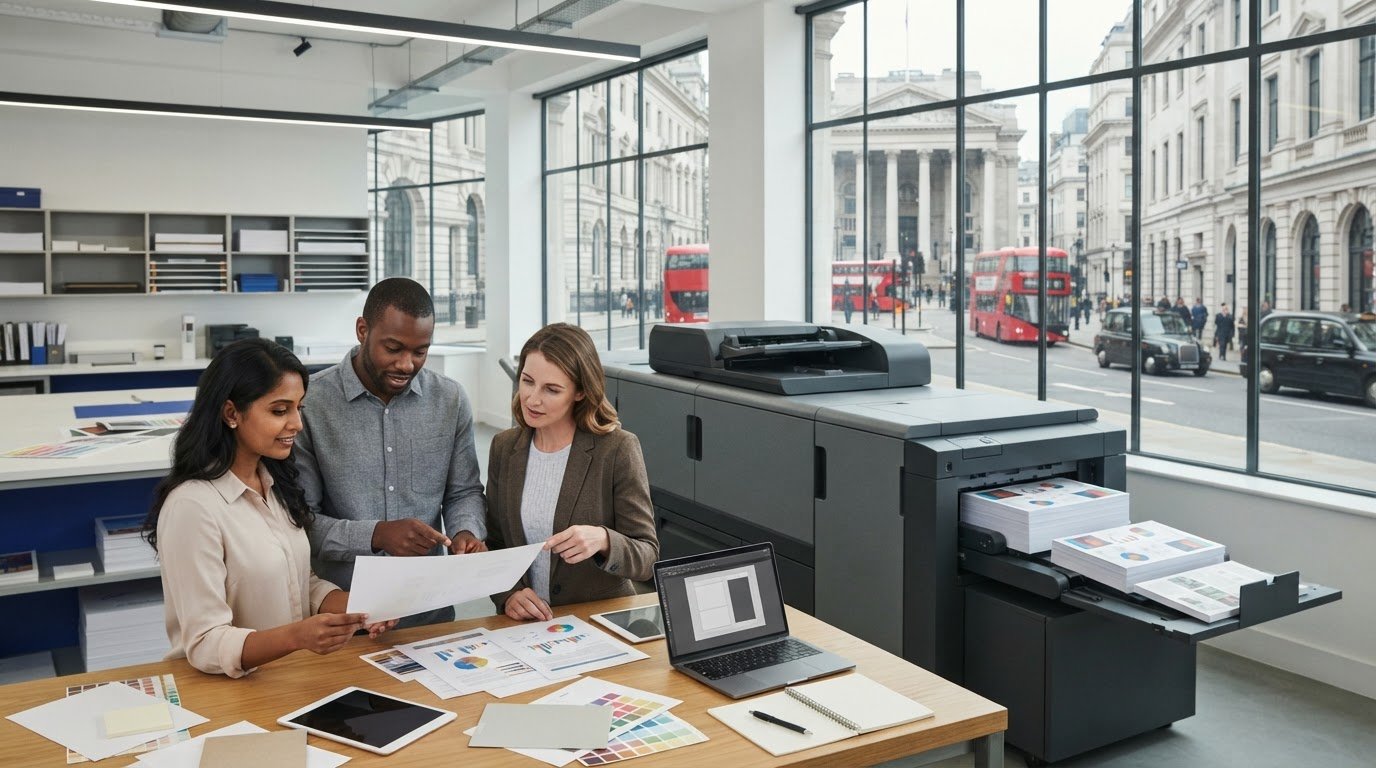
Whether you’re printing a report, presentation handouts or business documents, a professional print service can help you choose a suitable format and finish. If you’re searching for copies near me in Central London, London City Print is located near the British Museum and offers same-day service for most professional documents.
What can you get printed at a nearby professional printer?
Professional printing covers more than basic document copies. You can print reports, meeting handouts and business documents, as well as brochures, business cards, flyers and posters. Start with how you’ll use the finished print: handouts should be easy to read and distribute, while brochures and posters need a layout suited to their size and purpose.
For multi-page documents, wire binding holds the pages together with a metal wire comb and lets the document lie flat when open. This can work well for reports and presentation materials that readers need to handle or refer to. For an overview of the technology behind many short-run jobs, see this guide to digital printing.
When is a local print specialist useful?
A nearby print specialist can help you make practical decisions when you’re working to a deadline or aren’t sure how a file will print. Confirm the document format, page count, quantity and finishing before production. That way, you can catch mismatches between the file and the finished job early.
London City Print is an independent Central London print specialist near the British Museum. Same-day service is available for most professional documents. When you submit a job, include the quantity, finished size, any finishing requirements and your deadline so the team has the information needed to plan production.
Prepare Your File for Clear, Accurate Document Copies
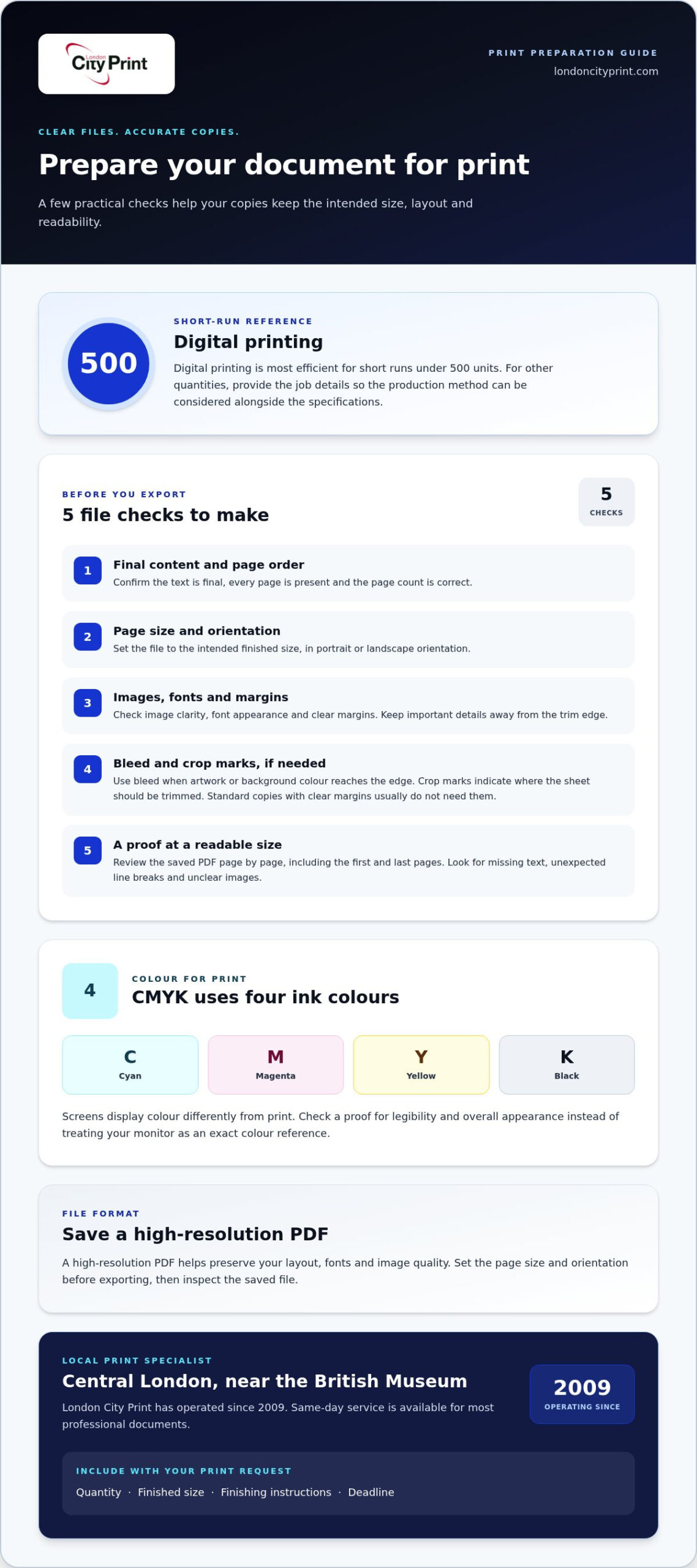
A well-prepared file helps your document print at the intended size, with readable text and a consistent layout. Before sending a file for copies near me, finalise the content, confirm the page size and orientation, check images and fonts, then review the exported file. Spotting a missing page or layout problem before printing can help you avoid reprints and delays.
Which file format and settings should you use?
Use high-resolution PDFs for finished layouts that need to retain their fonts, images and page arrangement. Before exporting, set the page size and orientation to match the intended print format. Open the saved PDF and check every page, especially the first and last, for missing text, unexpected line breaks or unclear images.
Standard print production often uses CMYK: cyan, magenta, yellow and black, the four ink colours used to create printed colour. Screens display colour differently, so a shade may not look exactly the same on screen and paper. Review a proof for legibility and overall appearance rather than relying on your monitor as an exact colour reference.
When do bleed and crop marks matter?
Bleed is needed when artwork or a background colour extends to the edge of the finished piece. The artwork continues beyond the trim edge, so a small shift during cutting is less likely to leave an unprinted border. Crop marks show where the sheet should be trimmed to reach the final size.
Standard document copies with clear margins usually don’t need bleed or crop marks. They matter for edge-to-edge artwork, items that need trimming and custom dimensions. Keep important text and design details inside the finished page area, away from the trim edge.
Before you send the file, check these details:
- Final text, page order and page count
- Page size and portrait or landscape orientation
- Image clarity, font appearance and margins
- Bleed and crop marks, if the design needs trimming
- A proof reviewed at a readable size
Choose paper with the quantity and purpose in mind. Printing only the copies you need can help avoid unnecessary waste. The environmental impacts of paper are also worth considering when selecting a stock.
Once you’ve checked the file, include the finished size, quantity and any finishing instructions with your print request. Clear specifications help the team prepare the job accurately.
Choose the Right Printing Method, Paper and Finish for Your Copies
Choose production options according to the quantity and how people will use the copies. Internal handouts need to be practical to distribute, while a client report may need a more substantial feel and a finish that keeps the pages together.
Is digital printing suitable for a short run?
Digital printing is most efficient for short runs under 500 units. It suits meeting handouts, reports and small business print jobs when you need a defined quantity rather than a larger run. It can also be a practical choice when you need material for a specific meeting or presentation.
For quantities outside that range, the right production method depends on the job’s specifications. Provide the quantity, document format and intended use. Consider page size, colour and finishing alongside the quantity rather than choosing a method based on volume alone.
How should you select paper and finishing?
Paper weight affects how a sheet feels and handles. Lighter paper can be practical for documents distributed in a stack, while heavier paper feels firmer in the hand. Consider whether readers will write on the pages, carry them around or use them during a presentation. Choose a stock that suits the purpose without making the document awkward to handle.
Finishing should meet a practical need. Wire binding holds pages together and lets a document lie flat when open, which is useful for reports and presentation documents. You can also choose FSC-certified paper and eco-conscious stocks. If you’re reproducing someone else’s material, review the UK copyright law guidance before proceeding.
Use this quick comparison to narrow down your choices:
Handouts: Choose practical paper that’s easy to distribute and handle. Keep the layout clear and readable.
Reports: Select paper that’s comfortable to read and turn. Add wire binding if you want the pages held together and able to lie flat.
Presentation documents: Consider a more substantial-feeling paper for a formal presentation. Review the proof to check that the layout reads well at the finished size.
Small business print jobs: Specify the format and intended use so the paper and finish suit the job.
When comparing copies near me, give the printer the quantity, purpose and material preferences together. These details help match the production method and finish to your requirements.
Get Document Copies Ready for a Time-Sensitive Print Job
A clear brief and finished file help keep a print job moving. If you need copies near me for a deadline, organise the key details before submitting your request. London City Print offers same-day service for most professional documents. Include your deadline and job specifications so production can be planned around your requirements.
What should you prepare before sending a print file?
Work through the job in order. Finalise the text and confirm that every page is included and in the right sequence. Check the document size and quantity, then specify paper, colour and any binding or finishing. Include the deadline and explain how you’ll use the copies, such as for a meeting, report or presentation.
Run pre-flight file checks for resolution, fonts, colour profile and bleed. A file-checking service can help identify technical problems before production. Keep your instructions specific: state the finished size and quantity, whether you need colour or black-and-white printing, and any finishing requirements. Complete details help the production team understand the job from the start.
How can you reduce avoidable delays?
Send the print-ready file and complete instructions together. If the job needs approval, review the proof promptly and check the page order, text, layout and overall appearance. Send corrections in one clear response to avoid conflicting versions or instructions.
If colour, paper weight or finish needs careful assessment before a larger production run, consider digital samples. These physical proofs let you review those qualities before full production. Allow time for the review in your schedule, particularly if you may need to make changes after seeing the sample.
Use this final handover checklist:
- Final file with the correct pages and document size
- Quantity, colour and paper preferences
- Binding or finishing requirements
- Your deadline and any approval steps
- One final proof review, if required
Share your completed file and print instructions with London City Print’s document printing team to give the production team a clear brief.
Get Professional Copies Near the British Museum with London City Print
If you’re searching for copies near me in Central London, London City Print is an independent print specialist near the British Museum. The business produces professional documents and a range of related print materials. Same-day service is available for most professional documents, with timing shaped by the job and its requirements.
Which London City Print services suit different copy jobs?
Choose a format that fits how you’ll use the finished print. Document printing suits reports and business materials. Booklets and brochures organise information into a structured format, while flyers and posters give messages a more prominent format. For multi-page documents that need to stay together and lie flat when open, wire binding is a practical finishing option.
For more detail on how professional print production supports business needs, read the professional printing services guide. If you’re planning a bound or promotional project, the business booklets and brochures guide can help you consider a format for your content.
What should you do next to arrange professional printing?
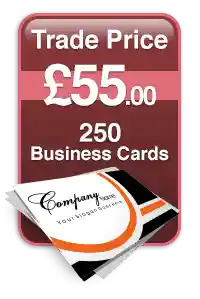
Prepare the final file and note the quantity, finished format and deadline. Include any binding or finishing requirements so your print instructions cover the complete job. If you need business cards as part of your print order, read the business card printing guide for information on options, quality and production.
Clear requirements help the print team understand your job and plan the next steps. Keep your deadline realistic, particularly if the job needs approval or a specific finish.
For document copies, brochures, flyers, posters or wire binding near the British Museum, discuss your print requirements with London City Print. Share your file and job details to get your project moving.
Get Your Documents Ready for Professional Printing
Finding copies near me is the first step. A print-ready file and clear instructions help you get copies suited to your document. Check the text, page size and orientation, then specify the quantity, paper and finishing. Choose paper weight and options such as wire binding based on how you’ll use and handle the copies.
London City Print is an independent Central London print specialist near the British Museum, operating since 2009. FSC-certified paper and eco-conscious stocks provide material choices for your print job. Include your deadline and full requirements when you submit your file.
Discuss your print requirements with London City Print and send your file and specifications to get your document printing underway.
Frequently Asked Questions
Can I get document copies printed in Central London on the same day?
Yes, same-day service is available for most professional documents in Central London. Timing depends on the job, including its quantity, format and finishing requirements. Send your finished file, print instructions and deadline together so the print team has the details needed to plan the work.
What file format should I use for professional document printing?
For a finished design, a high-resolution PDF is often suitable because it preserves fonts, images and page arrangement. Before sending it, confirm the page size, orientation and page order. Open the exported file and check that text and images appear as intended on every page.
Is a PDF suitable for printing document copies?
Yes, a high-resolution PDF can preserve the finished layout, fonts and image quality for professional document copies. Check for missing pages, unexpected line breaks and unclear images before submitting it. Confirm that the page dimensions match the required print size. Avoid relying on “fit to page” without checking, as it can shrink the document and change its scale.
How do I prepare a file for edge-to-edge printing?
For edge-to-edge artwork, extend the background or image beyond the final trim edge. This extra area, called bleed, helps prevent an unprinted border if the sheet shifts slightly during trimming. Add crop marks to show where the sheet should be cut. Keep important text and design elements inside the finished page area, then check the exported file before sending it.
Can short print runs be produced digitally?
Yes. It can suit meeting handouts, report copies or a small business print job when you need a defined quantity. Share the number of copies, document format and intended use so the production method and materials match the job.
What is the difference between document printing and wire binding?
Document printing reproduces the pages of your file on paper. Wire binding is a finishing method that uses a metal wire comb to hold printed pages together, allowing the document to lie flat when open. Choose wire binding for a multi-page report or presentation document that needs to stay organised and easy to read. It complements printing rather than replacing it.
Where is London City Print located in Central London?
London City Print is located near the British Museum in Central London. It’s an independent print specialist producing professional documents and other print materials. If you need copies near me in this part of London, prepare your final file, quantity, preferred format and deadline so you can give the print team clear requirements.